
Come say hello.
Read the welcome channels, choose your game roles, and find the crew in chat.
Open IRS Discord ↗THE HEART OF IRS
Find your game channels, see who’s playing, and ask for help when you need it. IRS Discord is where we keep in touch between games.
SKIP THE SCROLL
Open a channel, find your squad, or get a hand from staff.
Read the welcome channels, choose your game roles, and find the crew in chat.
Open IRS Discord ↗Pick a game below for its community channels, server details and guides.
Choose your game ↓Joining trouble or a package waiting for delivery? Find the right help here.
Get help ↓DIFFERENT GAMES / SAME CREW
Find a familiar game or join something new.


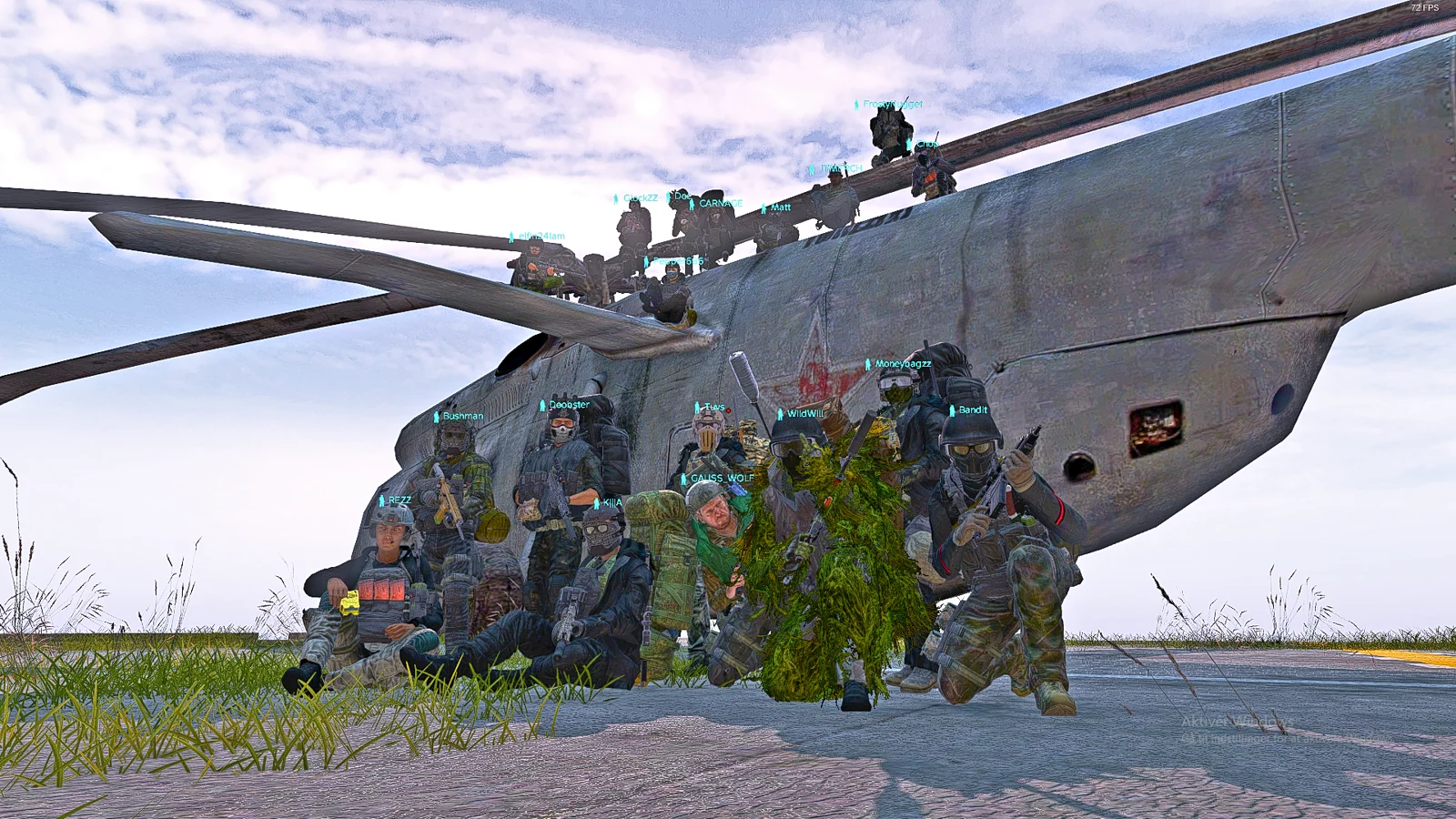






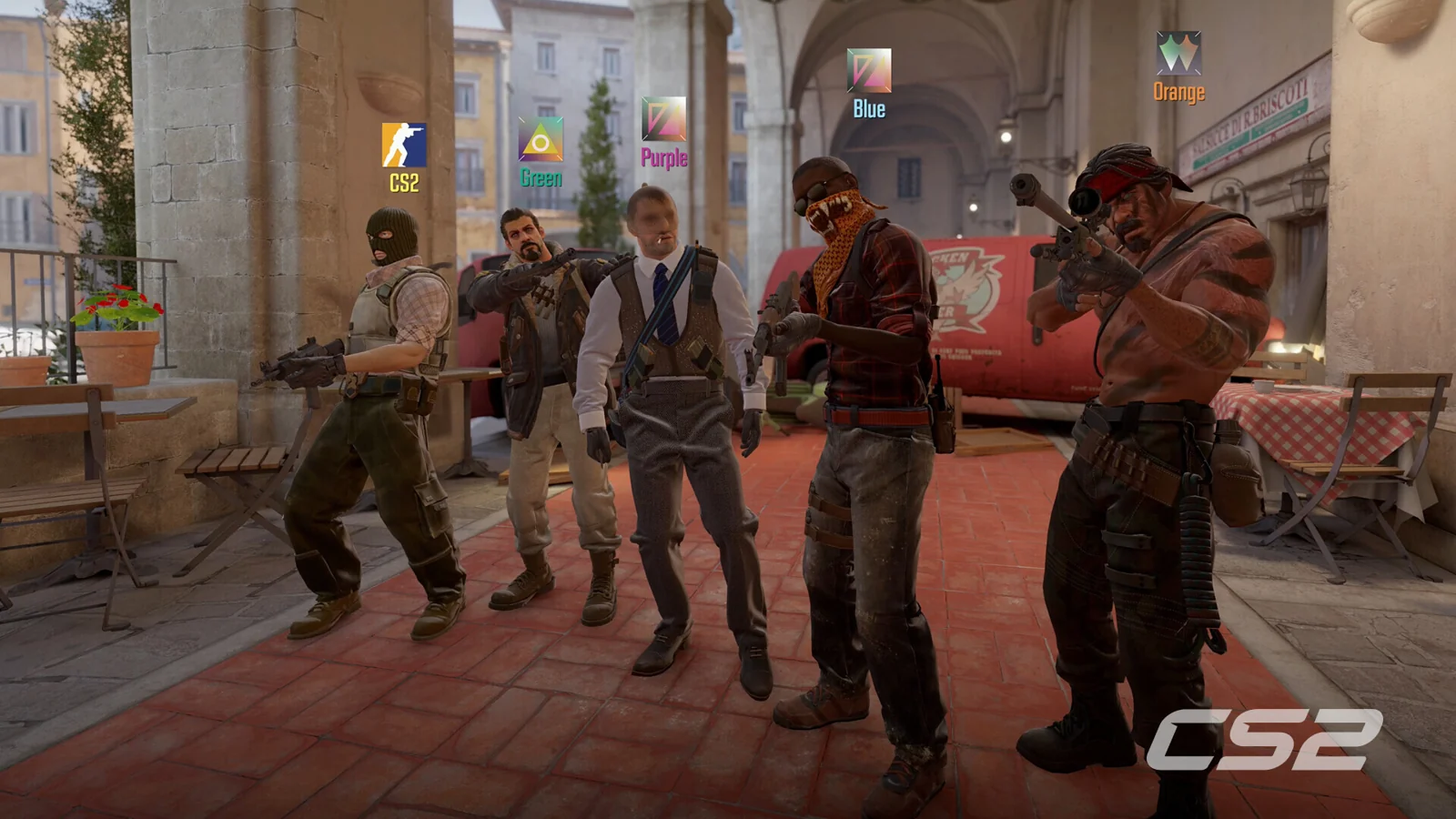
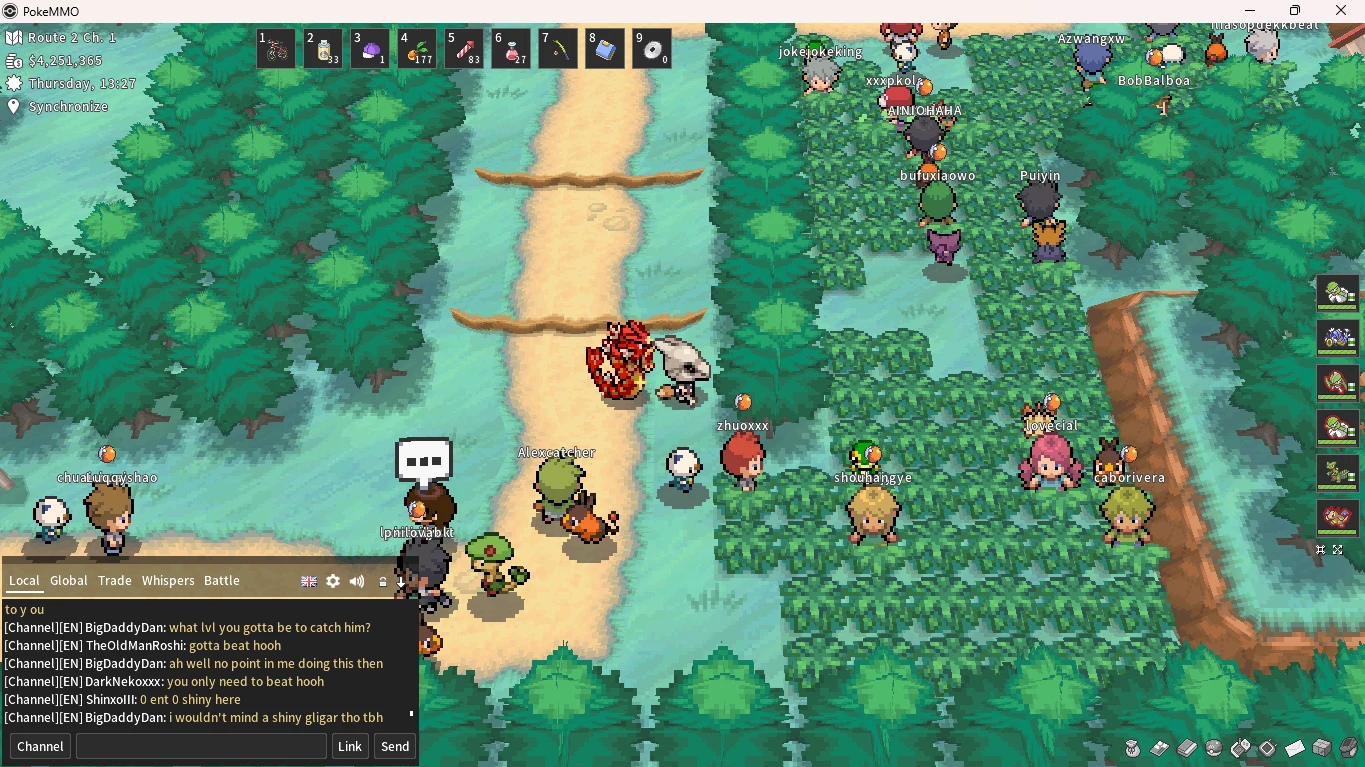




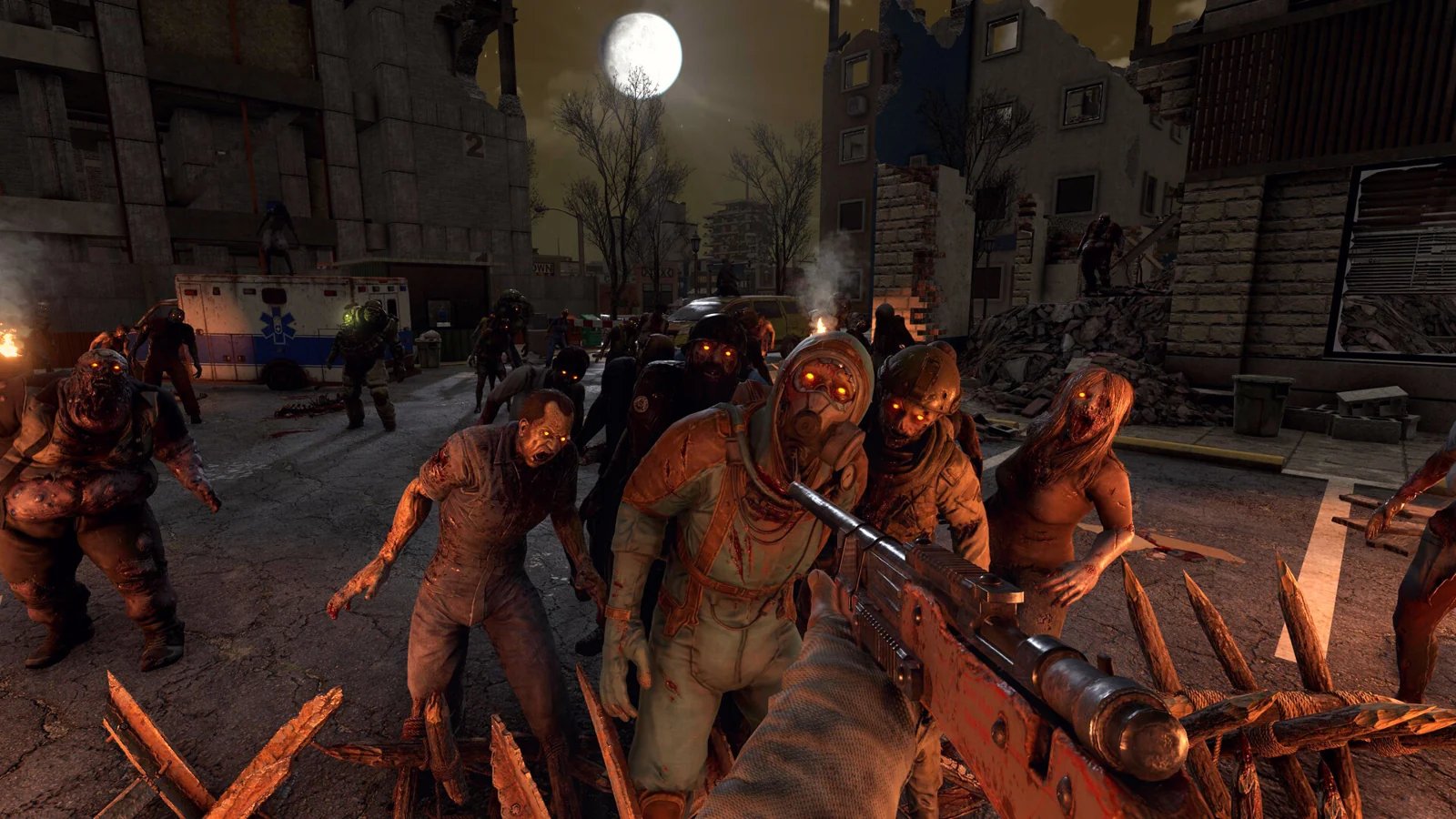


No matching games. Try another name or clear your filters.
THE PEOPLE BEHIND THE PATCH
Explore the community ranks and the people who wear them.
Only active public roles appear here. Members may hold more than one rank.
ONE IDENTITY / YOUR IRS
Connect Discord to keep your profile, followed games and eligible purchase history together. You choose what to share.
Read the welcome channels and choose your games.
Use your Discord account to sign into My IRS.
Add your games and bio. Public profiles are optional.
WE’VE GOT YOUR BACK
Server questions, joining help, or a purchase waiting for delivery? Start with the crew.
Complete the welcome, rules and game-role steps in Discord. If channels are still missing, ask staff in an available help channel.
The directory includes people with at least one active public community role. Imports run periodically. If you recently received a role, allow time for the next update.
Check your order status and bring your order reference, player ID and server name to a purchase ticket. Staff verify payment and handle delivery manually.
No. Join the server with its invite, then use Connect with Discord to sign into My IRS.